




Legal AI solutions for small law firms

LegalOS, a LegalEase Solutions offering, helps small law firms and independent attorneys put AI into practice through custom workflows designed around the way their practice already operates. We combine AI agents and automation with human quality checks and attorney review, helping firms improve productivity and turnaround while protecting accuracy, legal judgment, and client confidentiality.
Header image
Problem

You know AI matters. The harder part is knowing where to start.

Many small law firms have experimented with AI, but turning that interest into consistent, useful day-to-day workflows is far more difficult. Firms may not know which tasks are suitable, what tools to trust, how to protect client information, or how attorneys and staff should review and use the output.
Support icon

79%

of legal professionals already use AI at work, showing AI is already part of day-to-day legal work.
Source: clio.com
Award icon

75%

of attorneys identified accuracy as a major concern in AI implementation.
Workload icon

53%

of legal professionals say their firm has no AI policy in place, or they are not aware of one.
Source: clio.com
Solution

Practical AI workflows built around the way small law firms actually work

LegalOS turns time-consuming legal and administrative work into structured AI and automated workflows that fit the tools, information, and review standards already in place at your firm. Each workflow is designed for practical day-to-day use, with human quality checks and attorney review included where they matter.
Answers to Complaints

Inbox and task triage

Organize incoming emails, notices, deadlines, client communications, and related tasks so attorneys can quickly see what needs attention.
Discovery Responses

Deposition preparation

Review pleadings and discovery, organize questions by topic, and connect them with supporting citations to create a structured deposition script.
Document Review Services

Legal research support

Frame research questions, organize authorities, summarize findings, and prepare first-pass analysis for attorney review.
Litigation Case Management

Drafting assistance

Support initial drafts of letters, memoranda, client updates, templates, and recurring legal documents.
Litigation Analytics & Insights

Document review and summarization

Review and organize pleadings, contracts, correspondence, discovery materials, medical records, and other document-heavy files.
Automotive Litigation Support

Client intake and follow-up

Turn intake information into structured summaries, internal notes, follow-up drafts, and clearer next steps for attorneys and staff.
Arrow
01
Lower Dot
Map your firm’s AI opportunities

Review your practice areas, workflows, document types, current tools, and existing AI use to identify where AI can create the most value.

Prioritize high-impact use cases

Select the workflows that offer the best balance of efficiency, adoption ease, legal relevance, and risk control.

Upper Dot
02
Arrow
Arrow
03
Lower Dot
Build attorney-ready workflows

Create prompts, review steps, approval paths, and usage guidance around real legal tasks so AI becomes easier to apply in day-to-day work.

Set privacy, security, and AI governance guardrails

Define approved tools, client-data rules, confidentiality standards, restricted uses, output review requirements, and escalation paths.

Upper Dot
04
Arrow
05
Lower Dot
Train, launch, and refine

Train attorneys and staff, support rollout, gather feedback, measure adoption, and improve workflows before expanding AI use further.

Looking for an AI starting point that makes sense for your firm?

Tell us which work is taking too much attorney or staff time. LegalOS can help you assess whether it can become a practical, well-controlled AI workflow.
Thank you! Your submission has been received!
Oops! Something went wrong while submitting the form.
Abstract gold oval design
FAQs

Litigation support services FAQs

Does our firm need an internal technology team to use LegalOS?
No. LegalOS handles the workflow design, implementation, testing, training, and rollout with your team. Your firm does not need to configure a complex platform or build an internal AI function before getting started.
How does LegalOS protect legal accuracy?
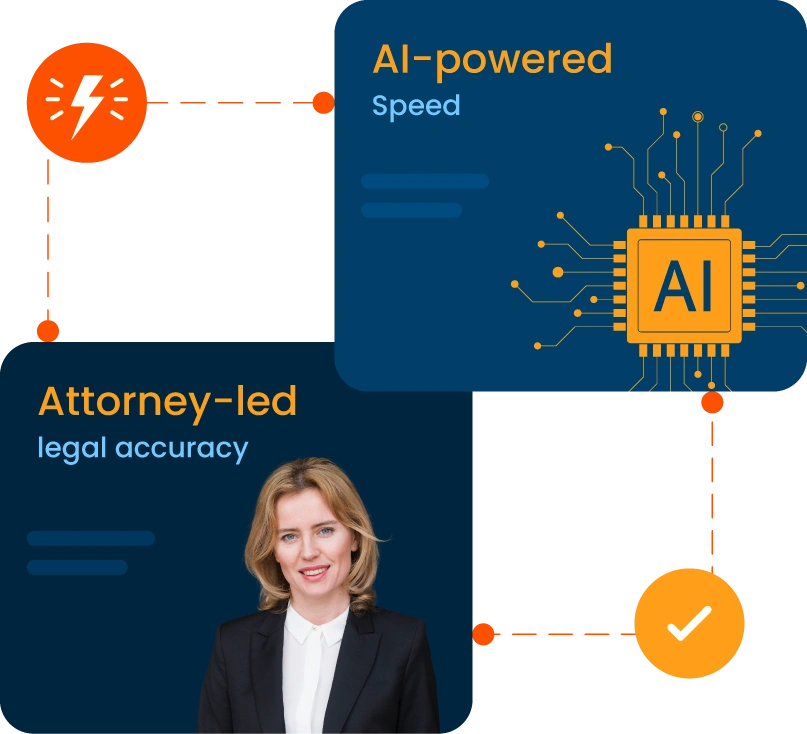
LegalOS uses an attorney-in-the-loop model. AI-supported output is reviewed by human evaluators for completeness, consistency, and source alignment, while your attorneys remain responsible for legal analysis, client advice, escalation, and final decisions.
How does LegalOS help protect client confidentiality?
Each workflow is built with clear rules around approved tools, client data, confidential documents, access, restricted uses, retention, output review, and escalation. The specific safeguards depend on the workflow and the systems your firm uses.
Will AI disrupt the way our attorneys and staff already work?
The goal is the opposite. LegalOS builds around your existing tools, documents, and working methods, then introduces one manageable workflow at a time. Training and post-launch support help the process become part of everyday work without creating unnecessary operational burden.
Can LegalOS expand beyond the first workflow?
Yes. Firms can begin with one high-value use case, refine it through feedback, and add further workflows as the team becomes more comfortable and new needs emerge.